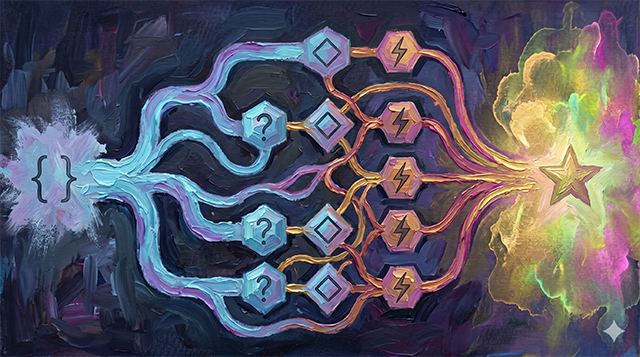
Elements & Plugins
neuron-js is designed to be a "shell" that becomes powerful through Plugins. A plugin is simply an implementation of one of the core Element interfaces.
Actions
An Action performs a task.
- Input:
Parameters,ExecutionContext. - Output:
ExecutionResult(containing the updated context). - Example:
SendEmailAction,UpdateDatabaseAction,CalculateDiscountAction.
Conditions
A Condition evaluates a state.
- Input:
Parameters,ExecutionContext. - Output:
ExecutionResult(containing a boolean result). - Example:
IsUserLoggedIn,HasRequiredPermission,IsStockAvailable.
Parameters
Parameters provide configuration to Actions and Conditions. Instead of hardcoding values, you use parameters to make your elements reusable.
Example: A CompareNumbers condition might take two parameters: valueA and valueB, and a comparator (e.g., ">", "<", "==").
Creating a Plugin
To create a new capability, you extend the abstract base classes provided by the library:
typescript
class MyCustomAction extends AbstractAction {
  static TYPE = 'MyCustomAction';

  executeAction(context: ExecutionContextInterface): ExecutionResult<void> {
    // 1. Read parameters
    const myParam = this.params.get('someKey');

    // 2. Perform logic
    console.log('Doing something with', myParam);

    // 3. Return result with (potentially modified) context
    return new ExecutionResult(true, context);
  }
}
By registering this action with a Neuron, it becomes available to any ExecutionScript that references its TYPE.